



SpinAnia App
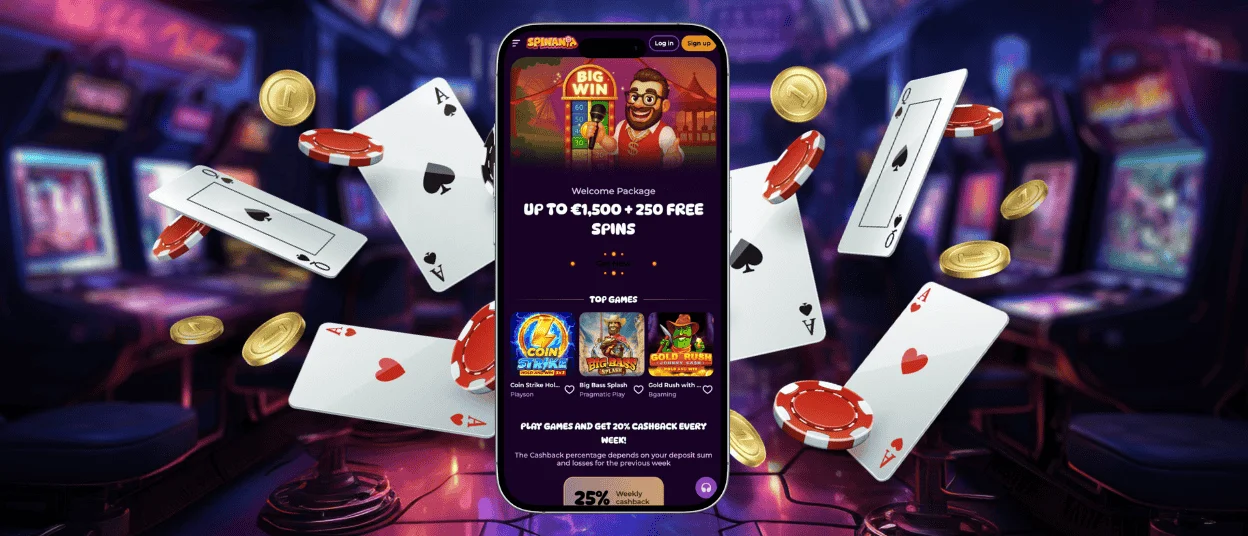
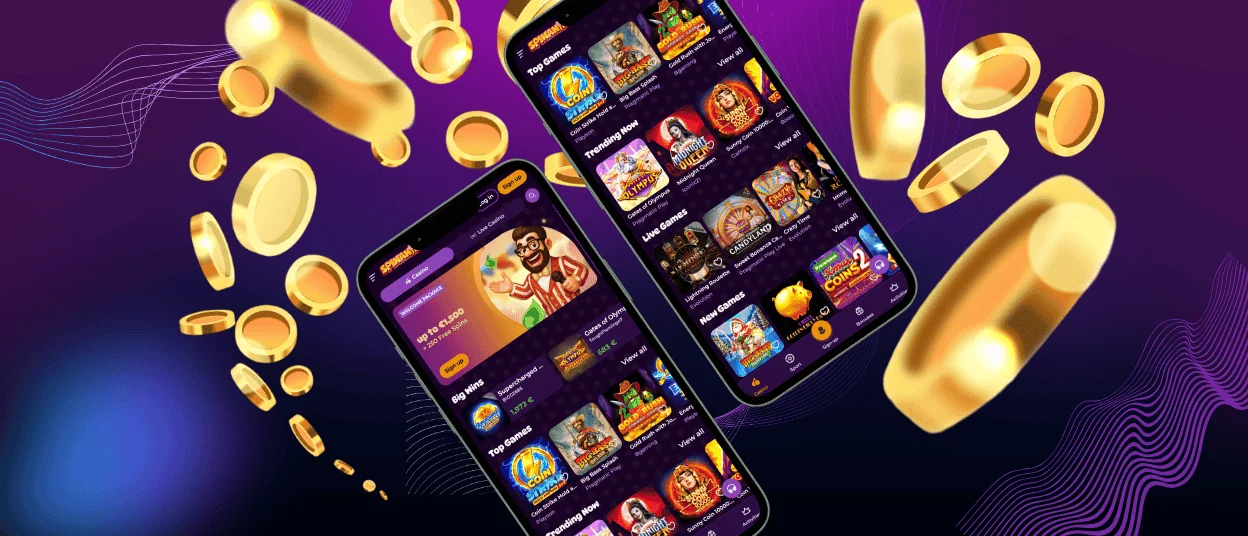
SpinAnia App provides complete access to our gaming platform through mobile devices, enabling players to enjoy casino entertainment anytime. Powered by Progressive Web App (PWA) technology, it functions directly via a mobile browser without requiring installation from Google Play or the App Store. Updates are automatic and handled on the server side, ensuring players always use the latest version. This system combines the advantages of native applications with the flexibility and speed of a web-based platform. Users can perform deposits, withdrawals, account verification, and access live chat support — all within a single interface.


SpinAnia App Features
The mobile version of SpinAnia Casino is built for smooth, responsive, and immersive gameplay across smartphones and tablets. Compared to the desktop version, the app provides greater flexibility, allowing users to play while traveling, relaxing at home, or during breaks. Its intuitive touch interface responds instantly to gestures, offering simple navigation through swipes and taps. Menus, categories, and balance sections are optimized for small screens, ensuring players can find their favorite games.
Push notifications inform players about new promotions, top slots, bonus offers, and tournament updates once the app is added to the home screen. PWA format allows automatic content synchronization, ensuring a consistent experience across all devices logged into the same account.
The mobile casino experience differs slightly from playing on a PC. Compact screen layouts present key controls, bet options, and balance data in simplified formats. While this speeds up navigation, it may limit the display area for complex live dealer games. Battery usage and connection stability are additional factors to consider during longer sessions — especially when streaming high-resolution live casino games. Still, modern mobile devices deliver excellent performance with low latency and smooth animations.
For most users, mobile access is the preferred way to play. The SpinAnia App provides a lightweight, reliable alternative to the desktop version, enabling logins, payments, and gaming from anywhere. Optimized PWA technology ensures fast loading times, minimal memory use, and instant updates. Meanwhile, the desktop version remains ideal for players who prefer larger screens or extended sessions.
| Function | Advantages of Mobile Devices | Advantages of Desktop Computers |
| Access and Flexibility | Play anywhere, no device limitations | Stable performance for long sessions |
| Performance | Fast loading via PWA optimization | Consistent graphics for extended gameplay |
| Login Process | Saved credentials for instant access | Multiple windows for simultaneous activity |
| Document Upload | Camera supports instant verification photos | Large screens simplify document review |
| Interface | Touch-friendly controls for easy navigation | The keyboard enables precise input and faster chatting |
SpinAnia App for Android
Android users can access SpinAnia Casino directly via Chrome, Firefox, or any modern browser — no download from Google Play is necessary. The platform’s Progressive Web App (PWA) technology offers full functionality directly within the browser and can be added to the home screen for one-tap access. This method bypasses app store restrictions and allows automatic updates with every visit, ensuring the system is always current.
SpinAnia APK
Many Android users are accustomed to traditional APK installations, but SpinAnia Casino uses a modern approach. Instead of downloading large APK files, the PWA provides all features of a native app without manual installation or security risks. Players simply open the official SpinAnia Casino website through a supported browser, and the system automatically detects PWA, offering the option to “Add to Home Screen.”
This method eliminates the need for storage space, avoids outdated versions, and ensures secure updates directly from our servers.
How to Install the SpinAnia App (Android):
- Open the official SpinAnia Casino website in your mobile browser.
- Wait until the page fully loads.
- Select “Add to Home Screen” or “Install App” from the browser menu.
- Confirm, and the app icon will appear on your home screen — ready for instant access.
This process enhances security and guarantees that all updates and configurations are handled automatically. Since no third-party installation files are required, users can enjoy the full experience safely and efficiently.
SpinAnia App for iOS
iOS users can access SpinAnia Casino via the Safari browser, as Apple supports Progressive Web Apps. Functionality and design are identical to the Android version, allowing seamless navigation, instant deposits, and access to all game categories. Once added to the home screen, the app behaves like a native iPhone or iPad application.
All SpinAnia Casino games, including slots, live casino, table, and crash games — operate smoothly on iOS devices. Graphic performance is excellent, with minimal lag and stable frame rates, even during HD live streams. Verification is simplified thanks to the iPhone’s advanced camera, enabling direct upload of identity documents during account setup.
Apple’s current policy restricts push notifications for PWAs, meaning users must open the app to check new promotions. Apart from this, the mobile experience remains fully synchronized with Android and desktop versions, offering the same bonuses, balances, and account data.
Spin Ania Casino App – Desktop Version
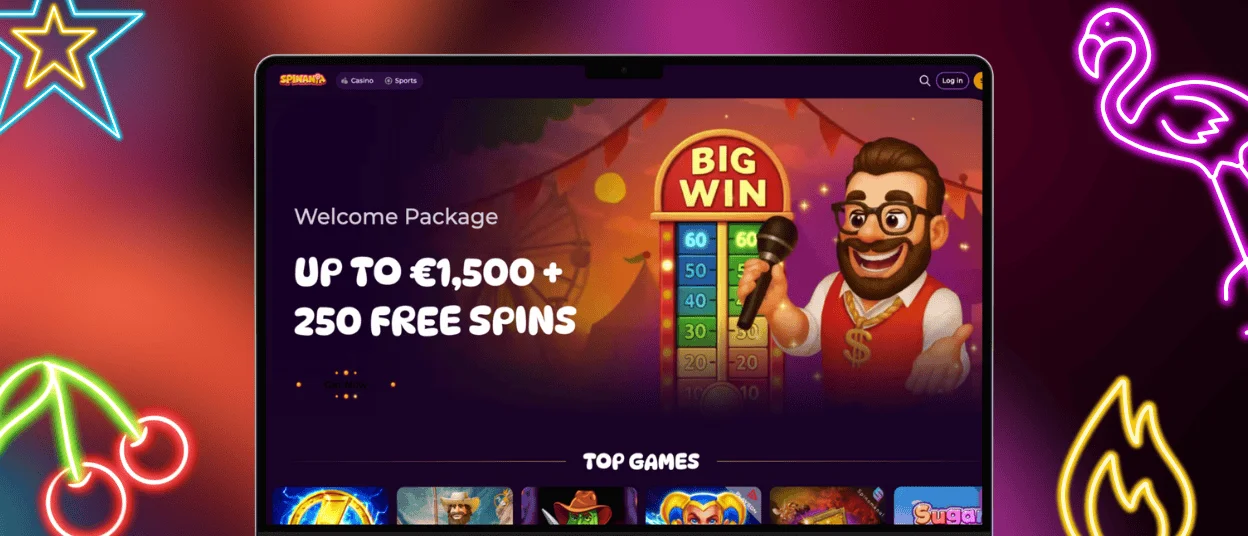
The desktop version of SpinAnia Casino is still the preferred choice for players planning longer sessions or multitasking. Larger screens provide more visibility for detailed game statistics, bet options, and live dealer interactions. Mouse and keyboard controls offer precision for table games and chat communication.
Desktop systems, including Windows, macOS, and Linux, are supported via modern browsers such as Chrome, Safari, and Firefox. Wired connections ensure stable performance for high-definition streaming and real-time gaming. Multi-monitor setups allow players to follow multiple games, tournaments, or leaderboards simultaneously — ideal for competitive players.
While the desktop version supports higher graphics resolutions and smoother animations for intensive titles, both the desktop and mobile versions share identical game mechanics, RTP rates, and RNG fairness.
Supported Tablet Version
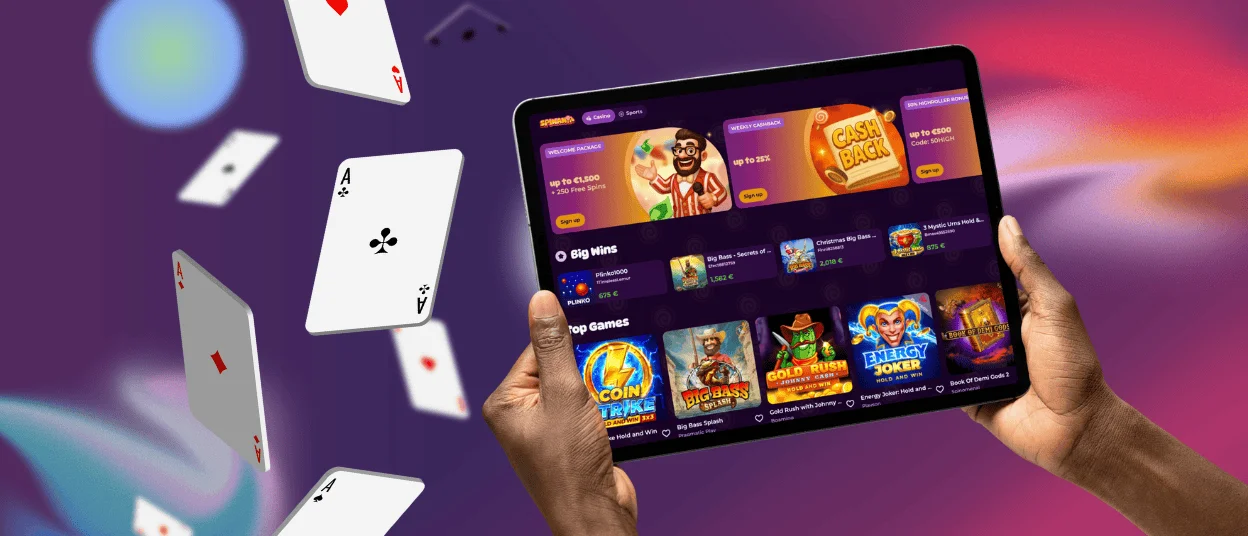
The SpinAnia App is fully compatible with tablets, bridging the gap between desktop and mobile experiences. Responsive design automatically adjusts to various screen sizes, typically between 7 and 13 inches, providing optimized layouts for both casual and professional gameplay.
Tablets combine portability with larger display space, allowing comfortable play of slots, top slots, and live dealer games. Players benefit from clearer visuals and extended battery life compared to smartphones, while still enjoying touch-based control for intuitive interaction.
Security and Fair Play
Regardless of device, SpinAnia Casino maintains the same strict security standards. All data transmissions between the user and the server are protected by SSL encryption, and transactions are processed through verified payment systems. The verification procedure is unified across platforms, allowing identity confirmation via mobile camera or desktop file upload.
All games on SpinAnia Casino are cross-platform, using identical random number generators (RNGs) to ensure equal fairness and consistent RTP values. User data is processed in compliance with international data protection regulations. The platform is licensed and audited regularly to maintain transparency and fair play.
FAQ
Is the app available for Android and iOS?
Yes, the SpinAnia App works perfectly on both Android and iOS devices via the Progressive Web App (PWA) version. It can be added to the home screen from the browser and used like a native app.
Is the application safe and secure to use?
Yes, SpinAnia Casino uses SSL encryption and advanced security protocols across all platforms. The PWA structure eliminates the need for external downloads, ensuring that every session remains protected.
How can I contact support from within the app?
Players can reach 24/7 live chat support directly through the app interface. Email support is also available for verification, payment, or account-related questions.
Is the app optimized for tablets?
Yes. The app automatically adjusts to tablet screen resolutions and orientation, offering an ideal balance between smartphone convenience and desktop visibility.


